

BMW Smart Key
Most new cars on the market today come with keyless fobs that let drivers lock and unlock their car without having to insert a physical key. However they can be a bit bulky and are one more factor that drivers might be unable to find or damage.
BMW's Display Key adds a high-tech new twist to their phone to make it a key technology. Find out more information about it in this blog article.
Keyless Entry
With BMW Digital Key, you can lock and unlock your car by tapping your smartphone. Download the app through Apple Wallet or Google Play Store, and then follow the instructions on the screen. Once you've connected your compatible mobile device to your BMW Connected account, you can share access to up to five friends or family members who also have the app. If someone accepts your invitation, they will be able to unlock and start your vehicle without the need for an actual key. This feature works without or with data connection even if your phone is set to airplane mode.
BMW Smart Key is more than a simple key to unlock your car. You can make use of the BMW Smart Key to unlock the trunk and control your HVAC and check the fuel levels and more. You can even make your car's interior conditioned to ensure that it is cold or warm when you arrive. The only restriction is that your BMW must be equipped with Comfort Access installed by the factory, or retrofitted by an BMW authorized dealer. If you want to check whether your car has Comfort Access it is possible to use a no-cost online BMW VIN coder. The window sticker will display "S322A", if you're equipped with this feature.
When you're ready to set up a new BMW Digital Key, start by making sure your smartphone is fully charged and in the same room as your vehicle. Place replacement bmw car key in the tray for your smartphone and select "Start Pairing" from the screen of your car's BMW Connected app. Once your phone is connected with your vehicle, you are able to remove the iPhone from the tray.
If you're ready to add other users, just log into your BMW Connected account and select 'Add New Digital Key'. You'll have to enter your contact information and the VIN of the vehicle to which you want to add access. You will then be given an individual code to enter into your mobile device. After the code is entered, your phone will show the BMW key icon in the Apple Wallet app.
Remote Control Parking
The most recent BMWs feature a number of technology gadgets that can make a driver feel like James Bond, but the most eye-catching is probably the parking feature that can be controlled remotely on the brand new smart key. The driver can remotely start and park the vehicle from outside. It's useful in tight parking spots in which the vehicle is too big to leave it, or even to use a traditional key fob.
The system is simple to set up, but there are some differences depending on what type of BMW you have. If your car has a push button start, you'll require a key fob which you can program into the app. On the other hand, if your car is an older model (from 2021) which uses the BMW Digital Key Plus, then you can bring your phone to the door handle to open the car, as if you were using an ordinary key.
You can precondition the interior of both models of BMW by using the remote start feature. This will allow you to keep your vehicle at a pleasant temperature as you drive. It's an excellent method of preparing your vehicle for long-distance travel. BMW's app allows you to select the desired climate settings from the comfort of your home and then start the car. The smart key will send the necessary commands to your vehicle, which will activate the fan and start cooling or heating the interior.
Like you'd expect from a device that's designed to replace a smartphone, the BMW display key features a touch screen to operate and provides a wealth of information about your vehicle. You can see the status of the windows, sunroofs doors, alarm systems. You can also see the battery level and any key functions that require attention.
The display key can also be charged like a regular phone. Its USB port can be used to charge compatible mobile phones, and there's a light indicator that displays the charging status (Blue=Charging, Orange=Not Charging) and fault messages.
Driver Profiles
If you want to add an extra layer of protection You can program a key fob to your BMW that will alert you if someone tries to enter the car without your permission. This feature can be used to shut your sunroof and windows. This technology can be useful for you since it helps you avoid theft and save fuel.
You can even activate the BMW remote parking feature with a single press of your key fob. This is an excellent feature for those living in urban areas where parking can be a problem. This allows you to to park your car in tight spots without worrying about a driver accidentally hitting your door. However, it's not the perfect solution. You're still at risk of someone smashing their door into yours when you're not in your vehicle.
The BMW Display Key features an integrated screen that provides you with a wealth information about the status of your vehicle. It will display information about security windows and door status, and upcoming service requirements. You can also view your current battery level and the fuel level so you can decide when to stop for gas.
If you want to share your BMW, you can set up different profiles for each driver. Your car will automatically adjust the settings to meet the needs of the driver's needs, including the seats, steering wheel lighting, climate control and lighting. You can also set restrictions for teens, like maximum speed limits and volume control on the radio.
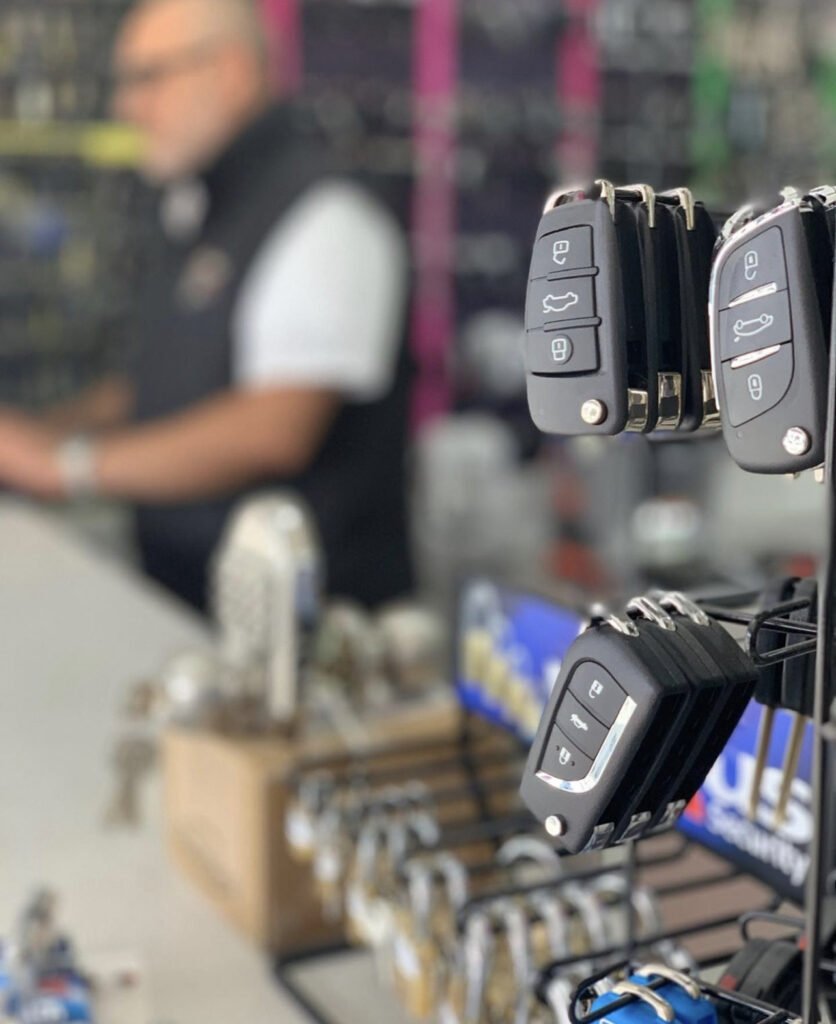
Key fobs are shared with five other users. But they must have an compatible smartphone and BMW Connected application installed. You can import profiles from your phone or create an account for a guest friend who is borrowing the car. This is one of the clever features that your BMW has to offer. There's so much to discover!
Battery Replacement
If the batteries in your BMW fob run down, you may wonder, "Can I change the battery on the BMW key fob?". The answer depends on the type you own. The older diamond-shaped BMW fobs, for example are not made to be battery replaced. They are glued to the backplate, so trying to pry off the backplate will likely cause damage to the fob. However, newer fobs can have their batteries replaced by opening the key fob and replacing the CR2450 or CR2032 battery.
You can remove the valet keys of the most popular smart key models (1, 3, 5, 7 and X) by pressing the small tab. Then, you can unlock the access port using a screwdriver. This should reveal a small groove in the opening. Use the tool to push in the small tab and then remove the valet key to reveal the CR2032 battery within. Replace the old battery and then replace the cover.
You will need to use a different approach when you own a Display key with touchscreen. The Display Key is water-resistant but it is not waterproof like an ordinary fob. You will need to take care to avoid exposing to excessive humidity. It is able to withstand a trip through the washing machine but it's recommended to treat it as an iPhone. Don't fret about rain, as long as it is kept clear of water.
Our service technicians can deactivate your fob in the event that you lose your smartkey and are worried that it might fall into the wrong hand. This will stop it from being used to unlock or start the vehicle. Contact us if your fob needs to be repaired.